

Better BookmarksOrganize and Manage Your Bookmarks Effortlessly
Welcome to Better Bookmarks – the ultimate browser extension for seamless bookmark management. With an intuitive interface and powerful features, Better Bookmarks allows you to save, search, categorize, and organize your bookmarks effortlessly. Stay in control and enhance your browsing experience like never before.
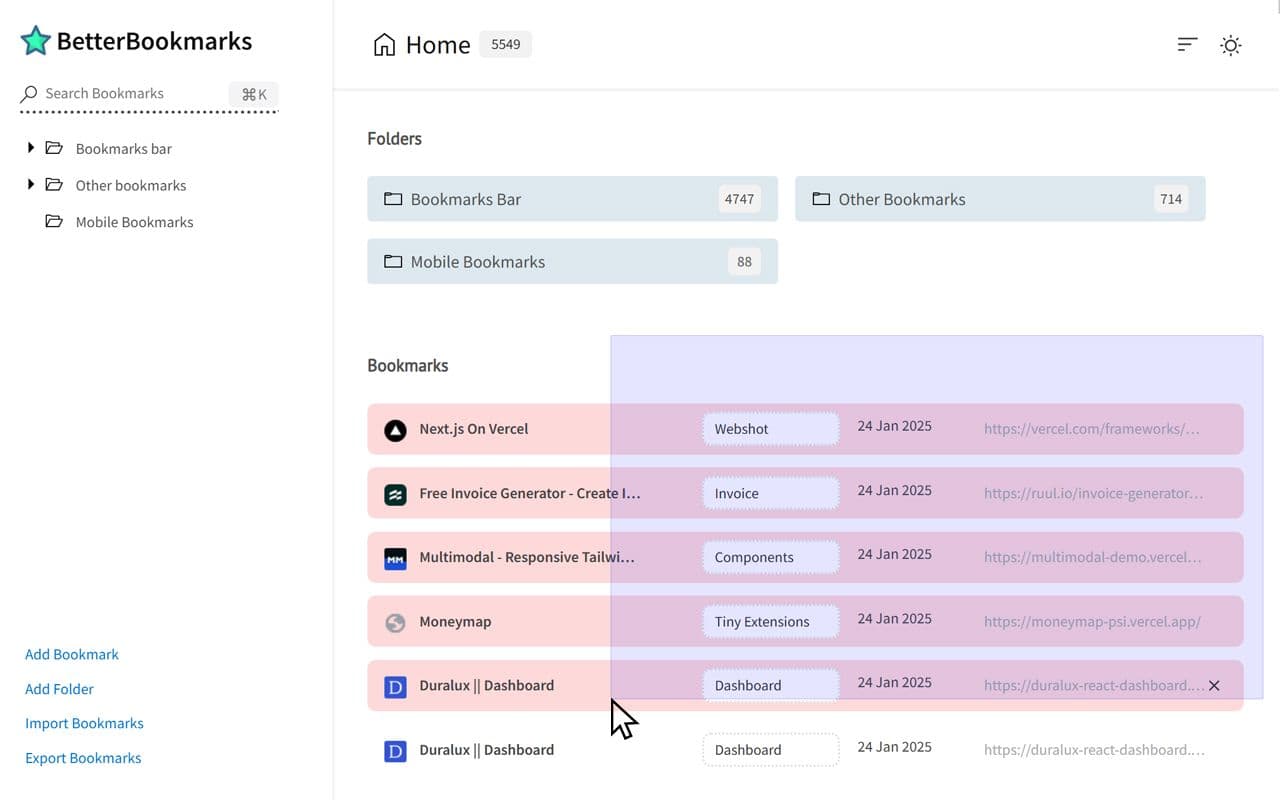
Functionality Overview
Discover Better Bookmarks' advanced features, meticulously designed to enhance bookmark organization, efficient search, and seamless access to your saved links.
Advanced Sorting Options
Sort bookmarks efficiently by date, name, or in alphabetical order to keep recent saves at the top or maintain Chrome’s default structure for better accessibility.
Powerful Custom Bookmark Search
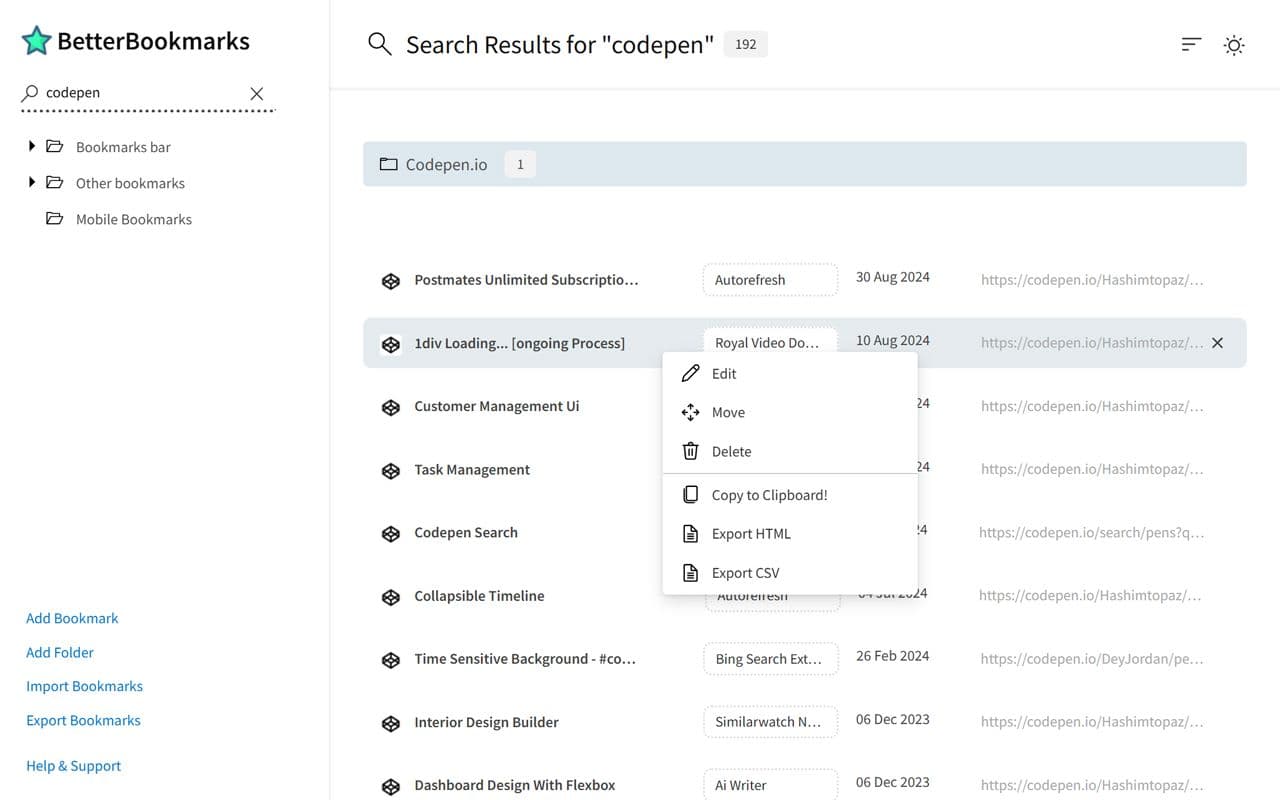
Locate bookmarks instantly with real-time search as you type. Advanced filters refine results, allowing you to pinpoint exact bookmarks in seconds, eliminating the hassle of scrolling through long lists.
Bulk Operations for Editing, Moving, and Deleting
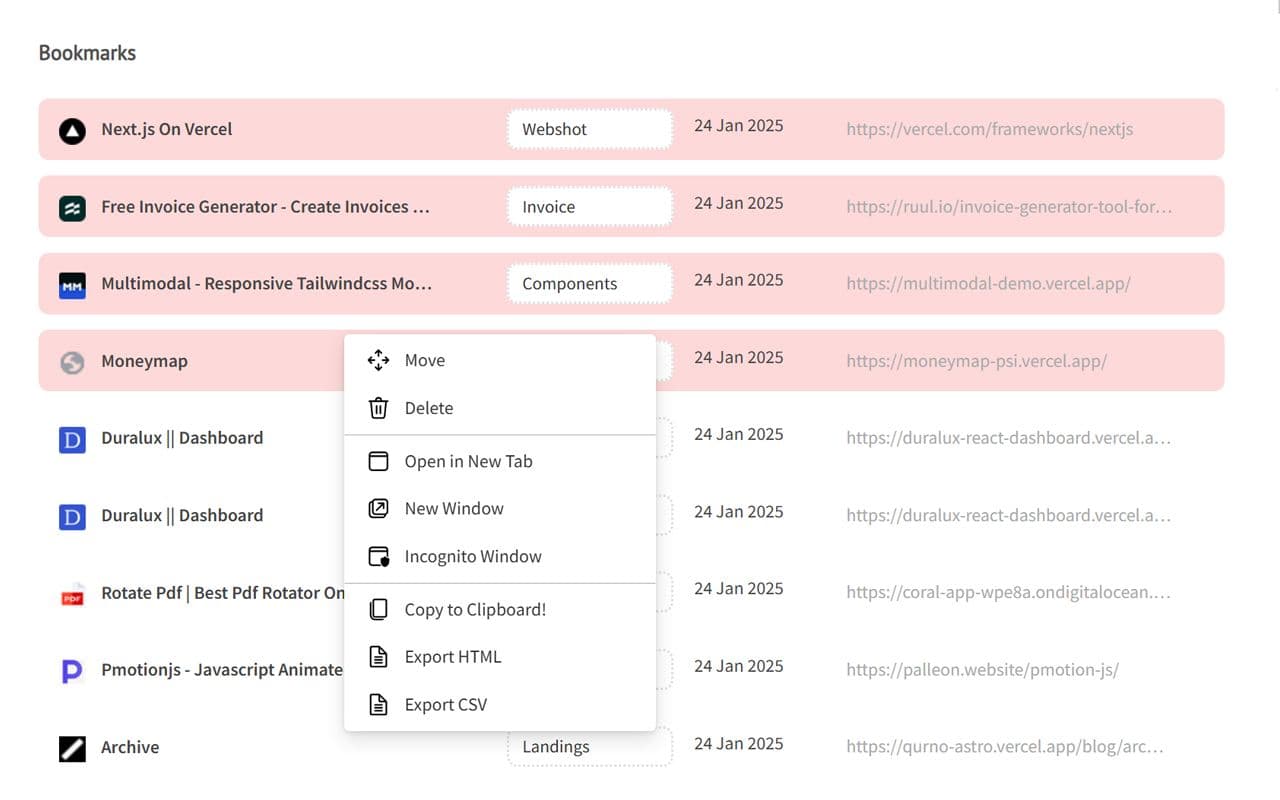
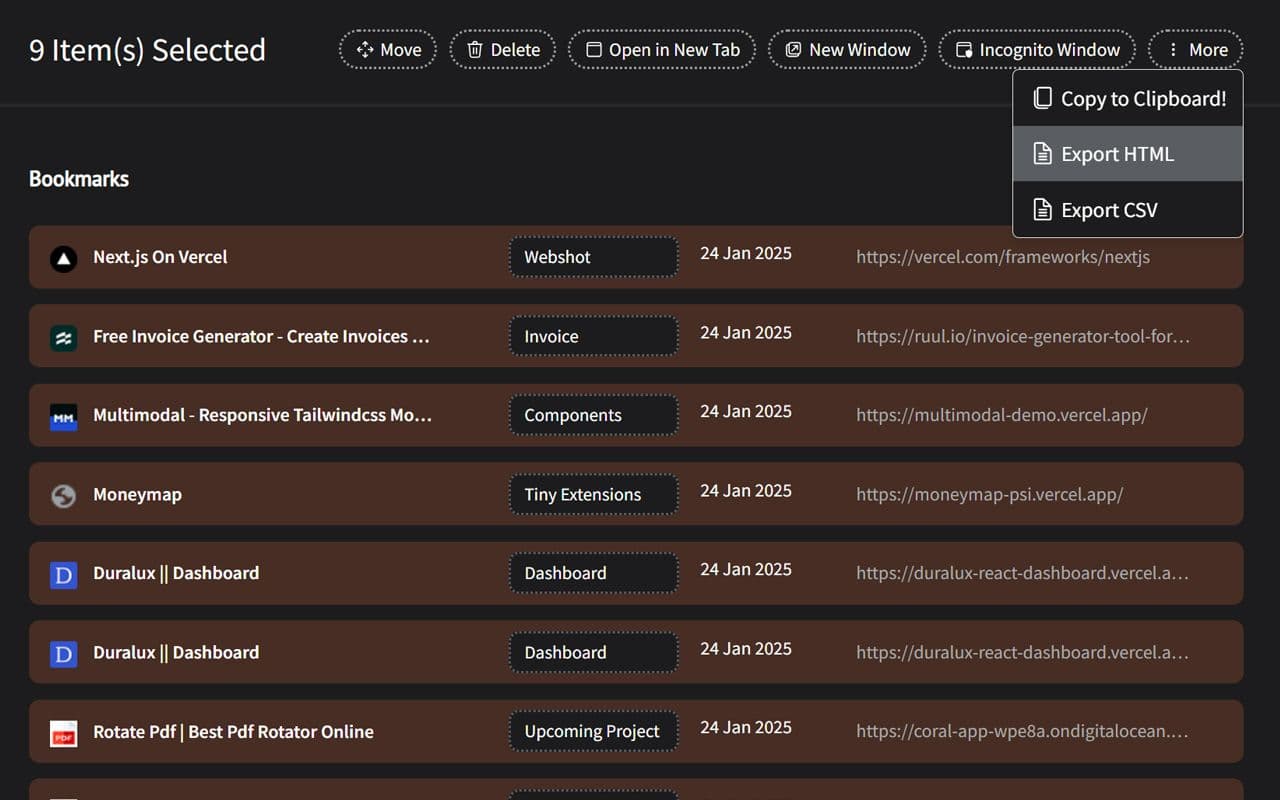
Manage multiple bookmarks at once with bulk actions. Open them in new tabs or windows, move them to different folders, edit titles and URLs, or delete them all at once—saving time and effort.
Enhanced Bookmark Folder Organization
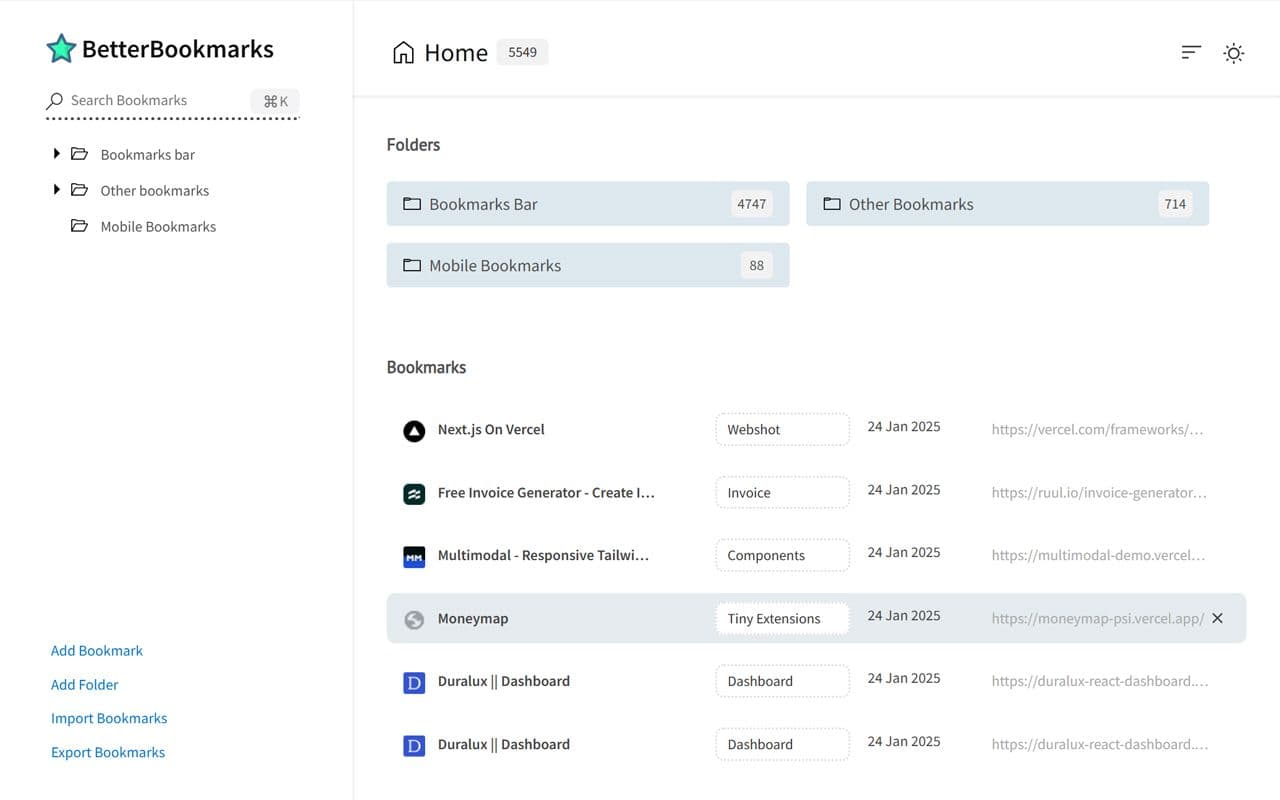
Easily view all bookmark folders alongside the number of bookmarks they contain. A structured folder display enables better organization, faster navigation, and effortless management of bookmarks.
Optimized Bookmark Index View
See all bookmarks neatly arranged with titles, URLs, and folder names. This structured layout enhances navigation and provides a glanceable overview for quick retrieval.
Comprehensive Import and Export Options
Sync bookmarks via your Chrome profile without additional logins. Export bookmarks in HTML or CSV format for backup or sharing, ensuring data security and easy transfer across devices.
Dark and Light Themes
Customize the extension with dark and light themes to match your browsing preference. Dark mode reduces eye strain, while light mode ensures a crisp, bright interface for better visibility.
Secure Bookmark Deletion with Undo Function
Accidentally deleted a bookmark? Instantly restore it with the undo function, preventing permanent loss of important bookmarks and allowing quick recovery of mistakenly removed links.